Rhythm patterns
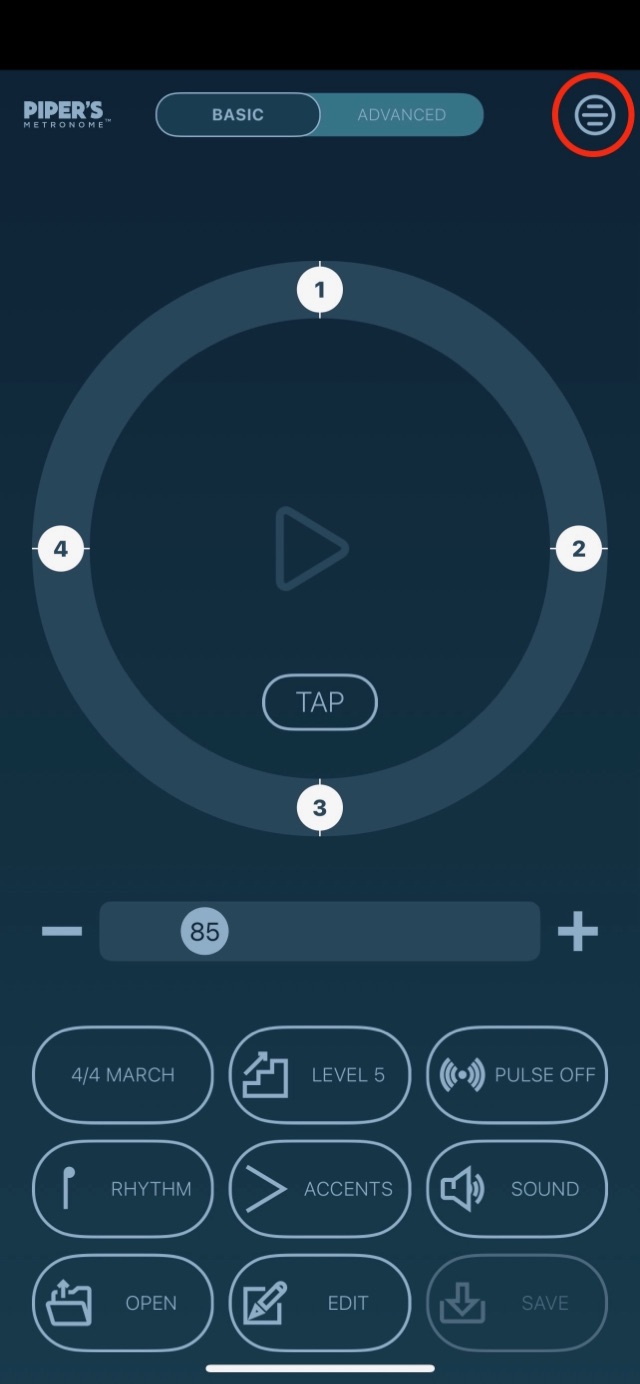
Tap RHYTHM on the main screen and choose a pattern. Choose from a variety of rhythmic patterns to help master the rhythms in your tunes, including off-beats, triplets, dot-cuts and more. Choose NONE to turn the rhythm off.
Different tune types allow different rhythmic patterns:
| Tune type |
Rhythm patterns |
| Reel |
QUARTER NOTE, FOUR EIGHTHS, DOT CUT EIGHTHS |
| Strathspey |
DOT CUT EIGHTHS |
| March or hornpipe in 2/4, 3/4, 4/4 or 5/4 |
DOT CUT EIGHTHS, TWO EIGHTHS, FOUR SIXTEENTHS, DOT CUT SIXTEENTHS |
| Slow air in 2/4, 3/4 or 4/4 |
DOT CUT EIGHTHS, TWO EIGHTHS, FOUR SIXTEENTHS |
| Any tune in 6/8, 9/8 or 12/8 |
THREE EIGHTHS, QUARTER-EIGHTH |
To set how loud the rhythm patterns are, see Sounds and volume. To set the exact proportion between the long and short notes of a dot-cut, use the DOT CUT % setting: see Settings.
Pulsing
Tap PULSE on the main screen and choose a pulsing level, from LEVEL 1 to LEVEL 10, or OFF. Pulsing delays the off-beat, so that you can practise emphasising the beat notes the way pipers do, and the bigger the level, the bigger the effect. The button shows the level you've chosen, for example PULSE 3.
What pulsing is
One important aspect of the proper expression of pipe tunes is the emphasis of the beat notes. Pipers describe this using various terms, such as pulsing, accenting, stressing or pointing. Unlike many other instruments, which can emphasise a note by playing it louder, pipers emphasise a note by lengthening it.
In 2/4 marches, for example, pipers emphasise the two beats in each bar by lengthening the first half of the beat relative to the second half. More specifically, the long note on the first half of the beat is lengthened relative to the long note in the second half of the beat. Another way to describe this is to delay the off-beat.
In strathspeys, the effect of pulsing is to lengthen the first and third beats of each bar relative to the second and fourth beats. (Pipers often describe these as "strong" and "weak" beats.)
This important musical style of expression can be learned, refined and mastered by using the pulsing level.
Seeing it on the ring
When you choose a pulsing level, you will see a small line on the ring display that shows the off-beat. Notice that the line is just past the halfway point between the beats on either side. In strathspeys, you will see that the first and third beats are slightly longer than beats two and four. If you choose a bigger pulsing level, you will see a bigger effect.
The amount of pulsing you choose may depend on your tempo, your tune, and your musical style or that of your Pipe Major (if you are in a band).
Which tunes can be pulsed
Pulsing is available for tunes in 2/2, 2/4, 3/4, 4/4 and 5/4: marches, strathspeys, reels, hornpipes and slow airs. It isn't available for tunes in 6/8, 9/8 or 12/8, which includes all jigs: for those, the only choice is OFF. On iPhone and iPad, the list says NOT AVAILABLE FOR THIS TIME SIGNATURE.
Sounds and volume
Tap SOUND on the main screen. You can set the volume of the accented beats (ACCENT VOLUME), the unaccented beats (MAIN BEAT VOLUME), and the rhythm patterns between the beats (RHYTHM VOLUME).
SOUND PACK chooses the sounds the metronome plays: Default (wood block sounds), Cowbells or Pure tone beep.
For the overall volume (MASTER VOLUME), use the standard volume buttons on your device.